PRE Connect
PRE Connect text messages
- What you get: texts about PRE Connect job events, site mobilization dates and openings near you.
- From: Primoris Renewable Energy.
- How often: up to 4 messages a month.
- When: never before 8 AM or after 8 PM in your time zone.
- Cost: message and data rates may apply.
- When you opt in, you get one text confirming it.
- To stop: reply STOP to any text. You'll get one confirmation and no more texts. Reply START to resubscribe.
- Help: reply HELP.
- Agreeing is not a condition of applying or being hired.
- Carriers are not liable for delayed or undelivered messages.
We do not sell, rent or share your mobile number or your consent to texts with third parties or affiliates for their marketing. Our text-message provider uses your number only to deliver these texts.
How to opt in
- Sign up for PRE Connect at app.preconnect.work and enter your mobile number.
- The text-message box is optional and stays unticked unless you tick it. It reads:
Text me about PRE Connect job events, site mobilization dates and openings near me at your mobile number. Up to 4 messages a month. Message and data rates may apply. Reply STOP to cancel or HELP for help. Agreeing is not a condition of applying or being hired.
- Finish signing up. You get one text confirming you opted in. You can turn texts off on your home page at any time, or reply STOP.
What the sign-up shows
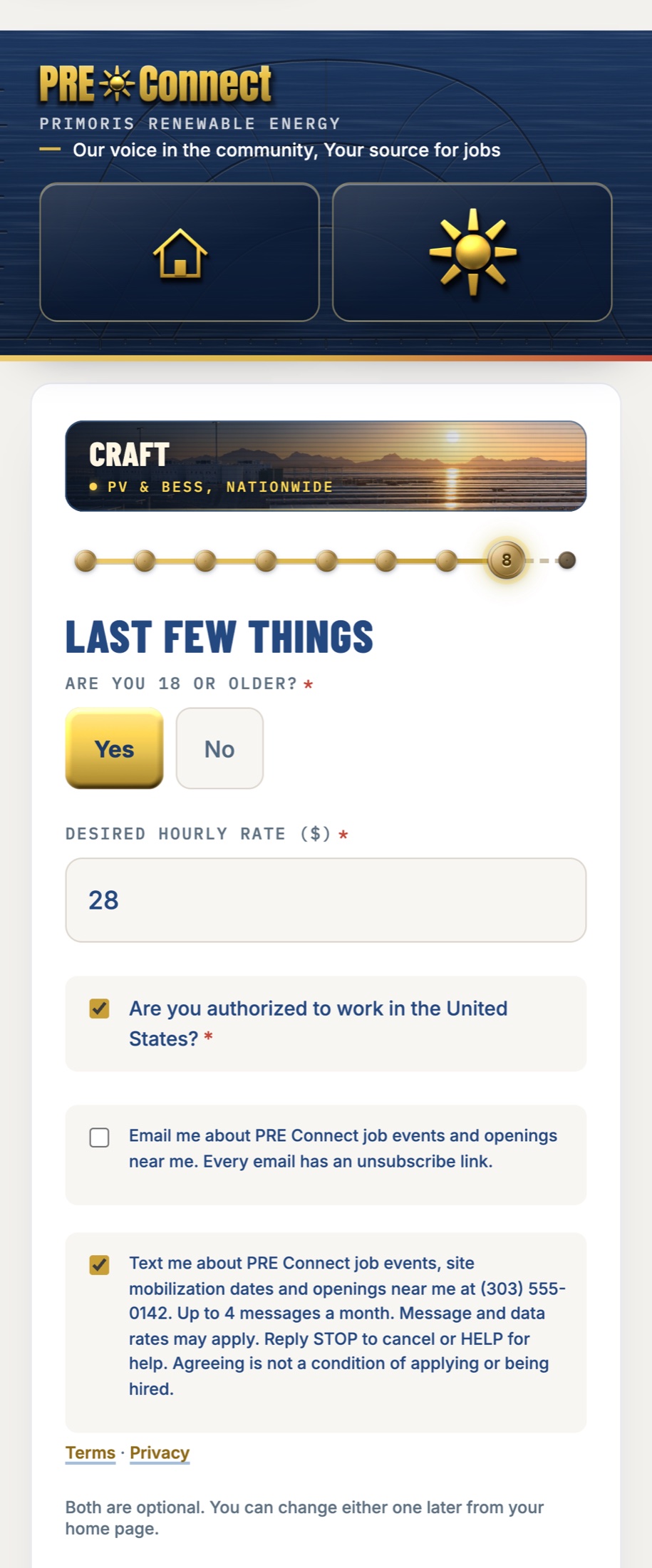
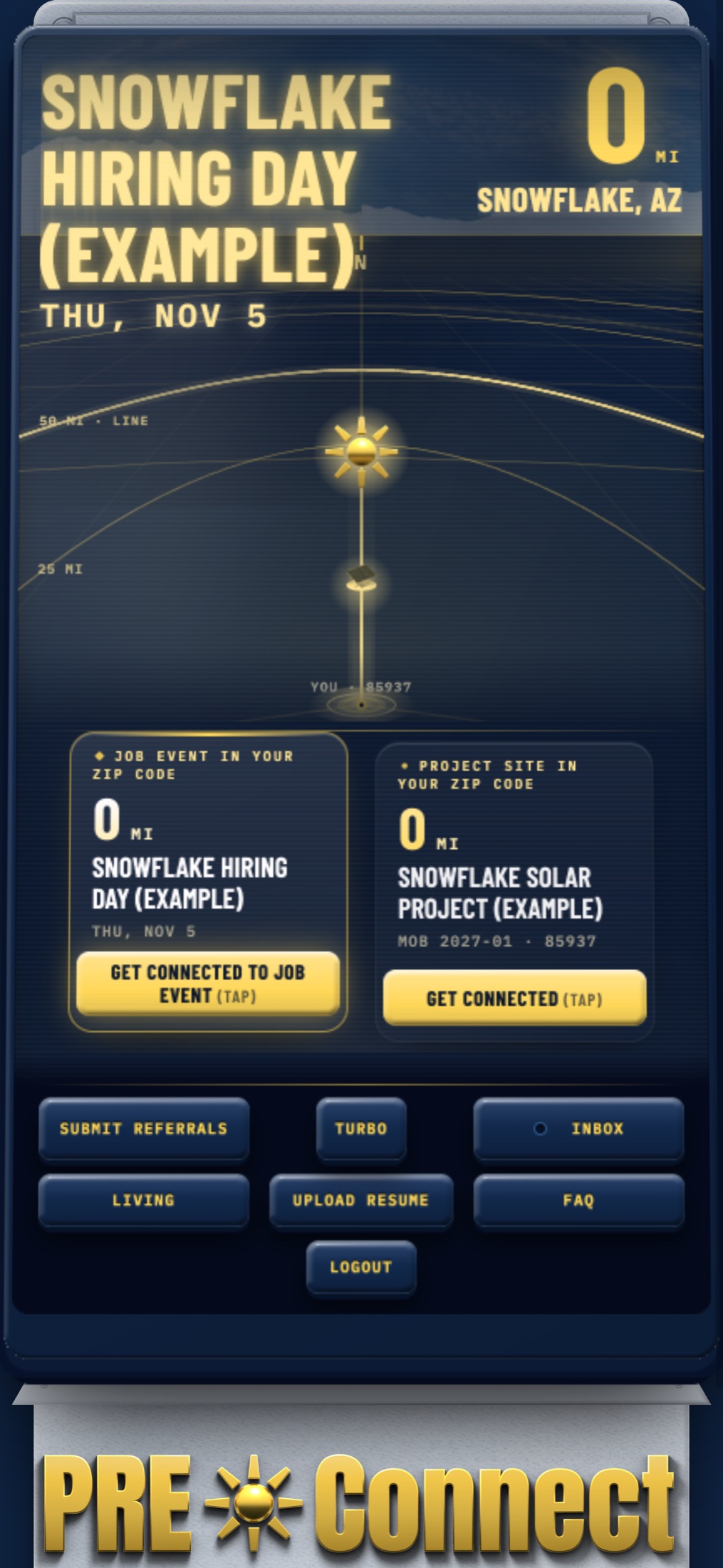
Shown in English, with example data; the form is also in Spanish and Haitian Creole.